Model
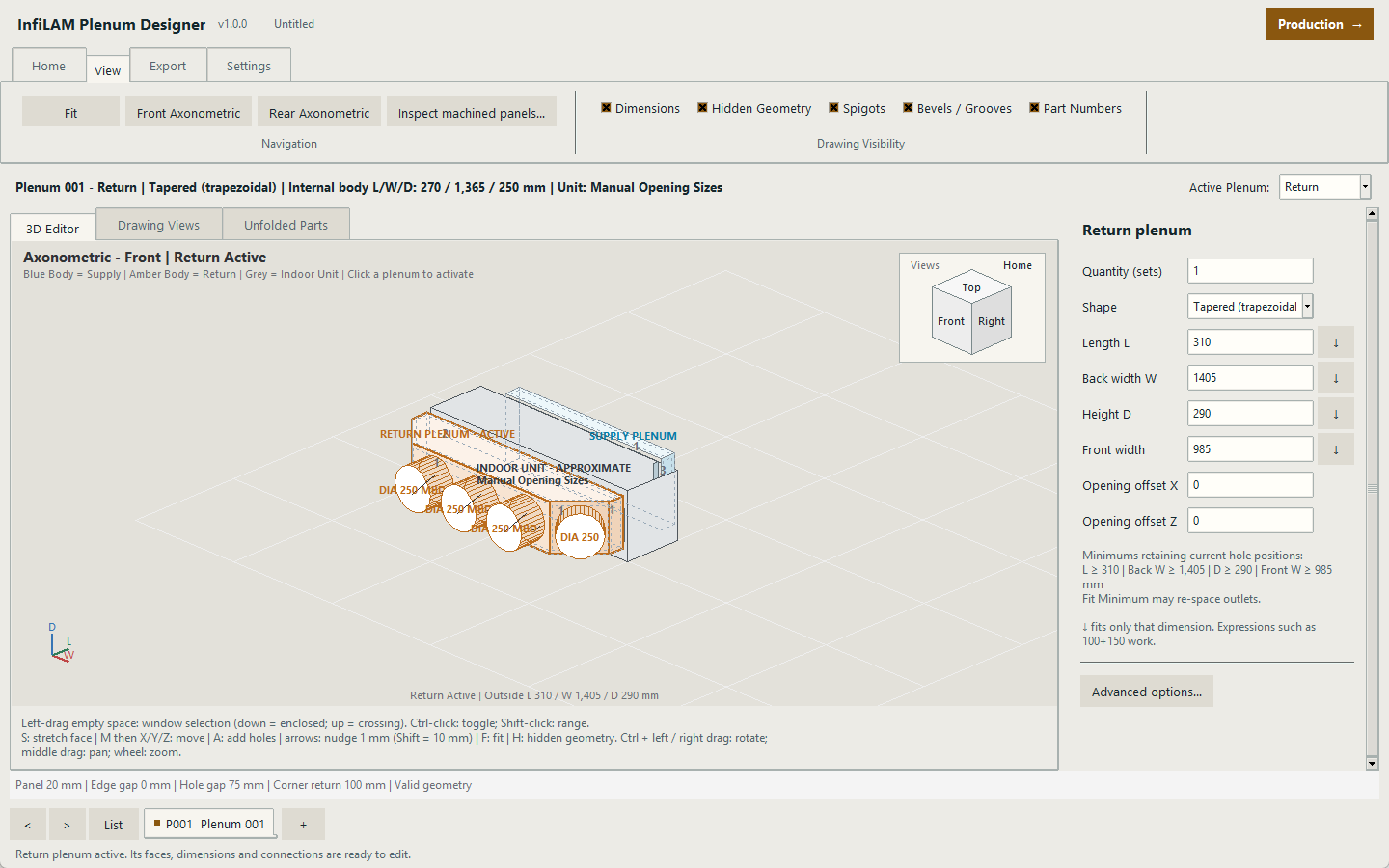
Create rectangular, triangular and tapered supply or return plenums around real unit openings and outlet requirements.
INFILAM / HVAC FABRICATION
InfiLAM Plenum Designer connects equipment openings, outlet geometry, manufacturing drawings, panel nesting and machine-ready production information in one Windows application.
 DESIGN / REVIEW / RELEASE
Create rectangular, triangular and tapered supply or return plenums around real unit openings and outlet requirements.
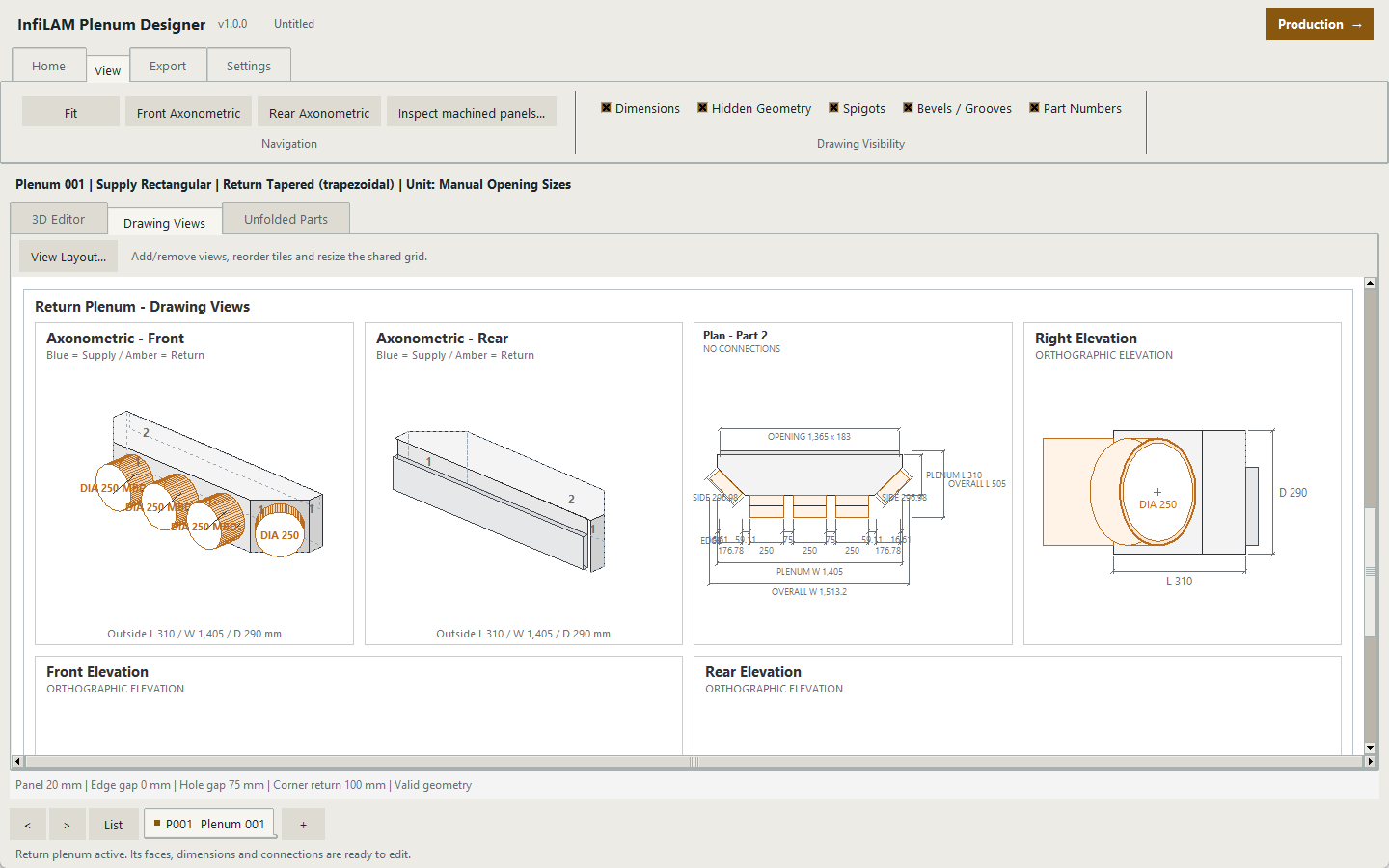
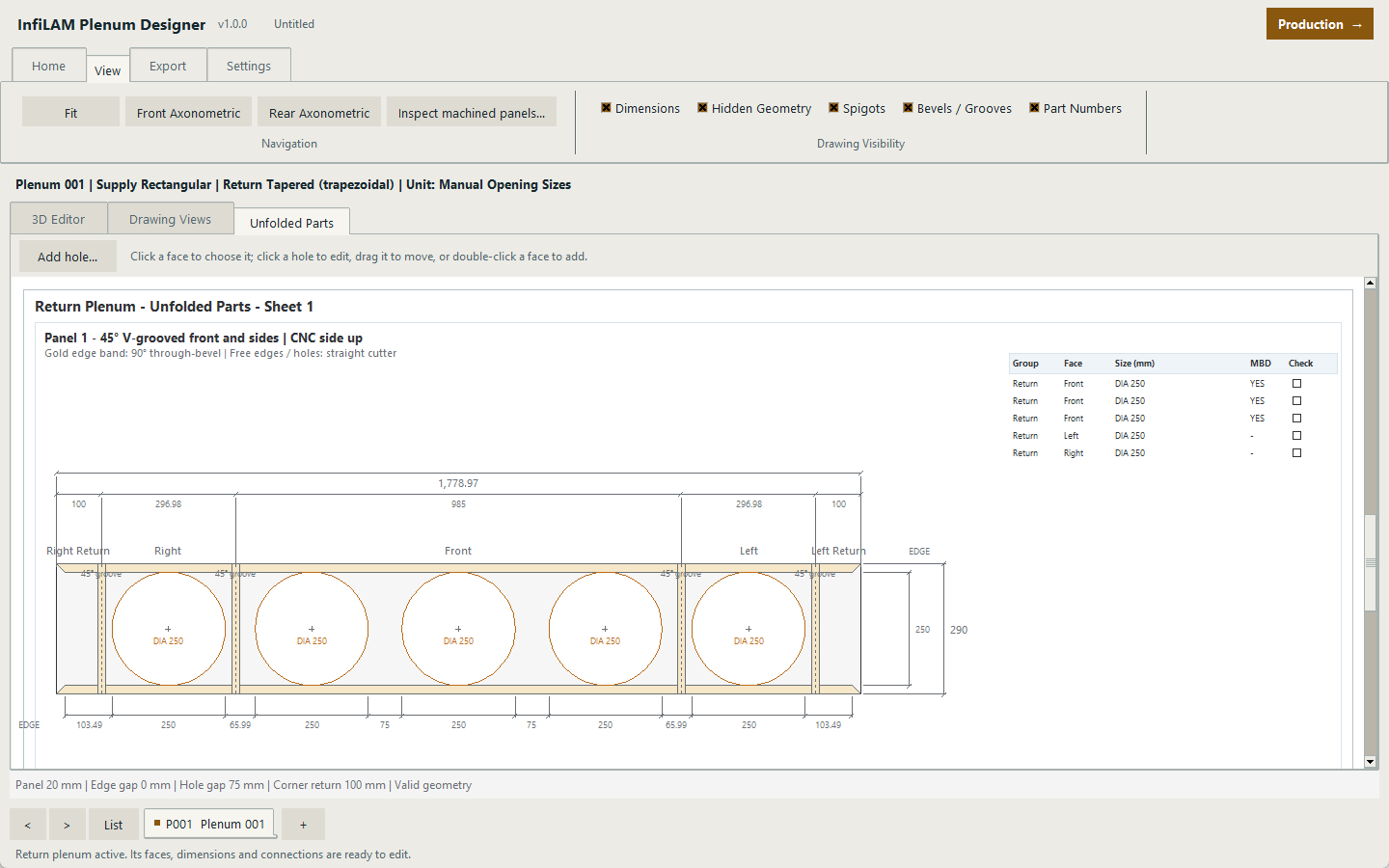
Produce client drawings, factory drawings, unfolded panels, labels and full-size DXF geometry from the same job data.
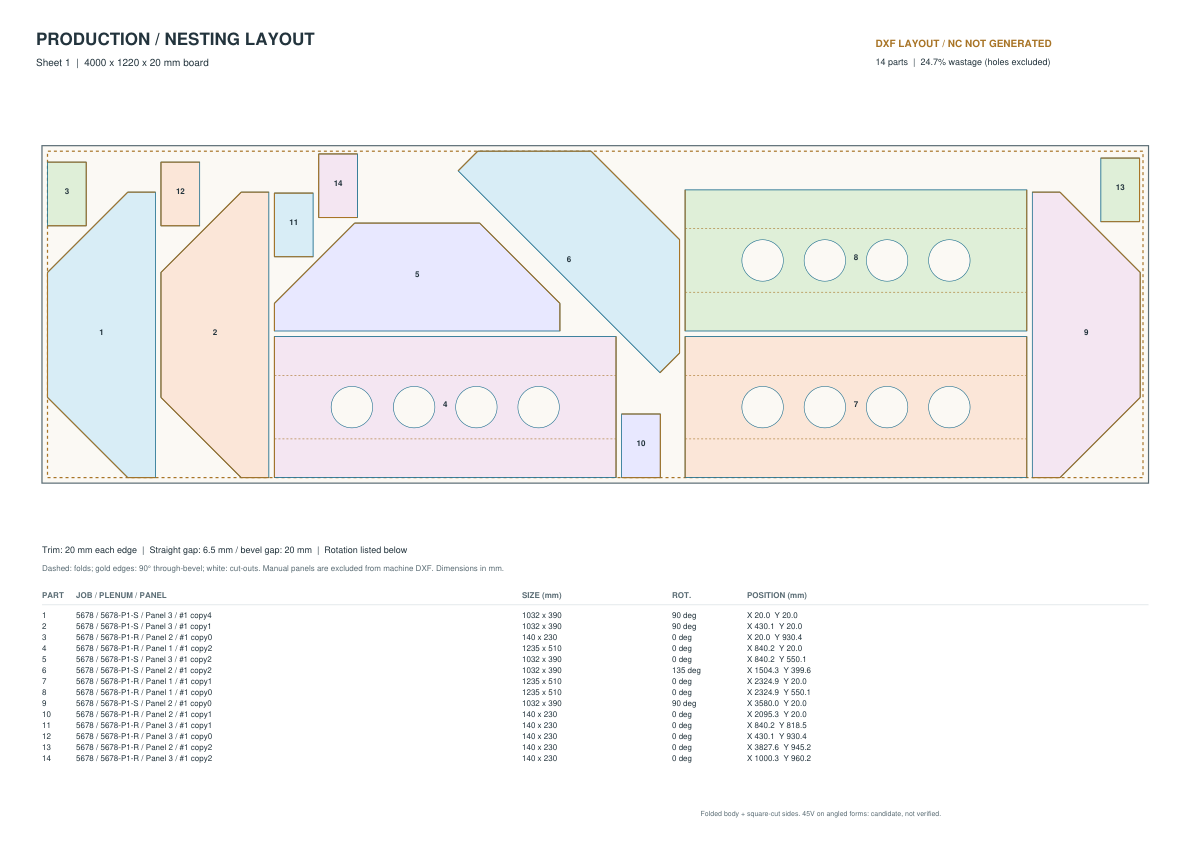
Move approved plenums into a dedicated production module for true-outline nesting, off-cut control and machine-ready output.
ONE PRODUCTION RECORD
Jobs stay grouped by order number, with named plenums, quantities and production status carried forward. Fabricators can review machining information, opening sizes and panel geometry before material is committed.
PRODUCTION CAPABILITIES
Nesting, machine packages and labels remain connected to the same approved plenum and quantity data.
True panel outlines are arranged across full sheets or retained off-cuts. The optimiser can rotate parts, use otherwise empty spaces and search longer for tighter layouts.
Every finalised production sheet receives its own nesting drawing, layered DXF and machine-ready file generated from the approved layout.
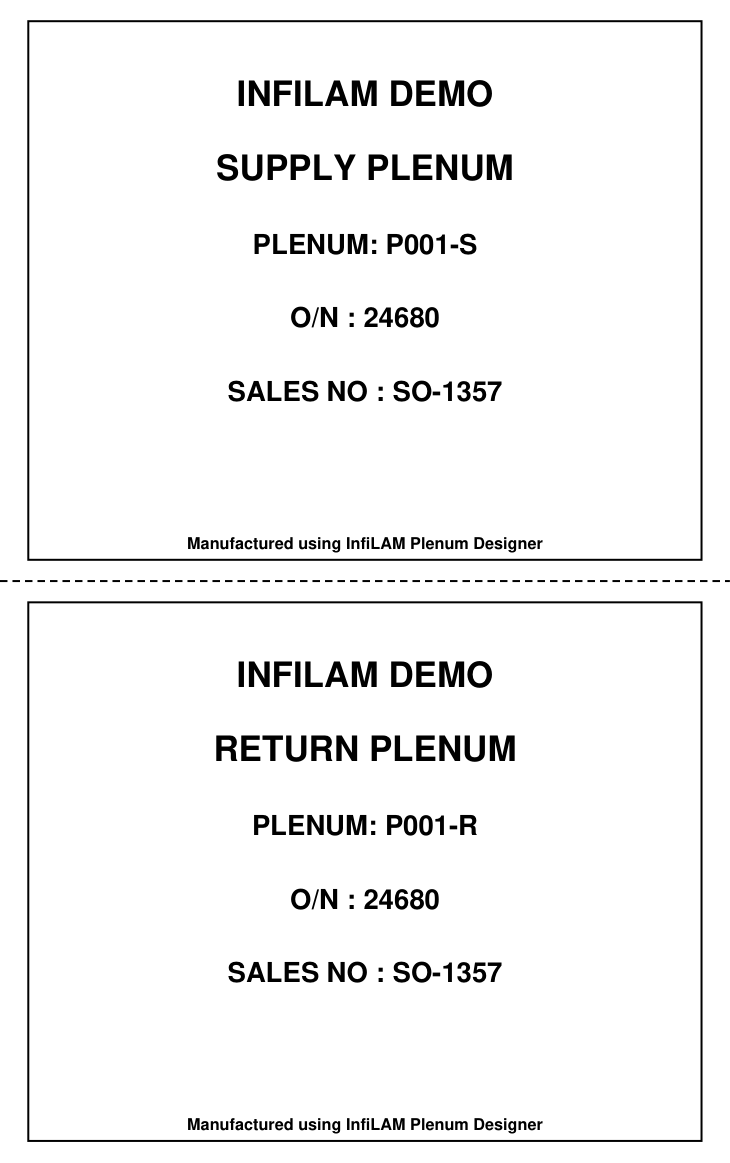
Create paired plenum labels directly from the job data, edit the text when required, preview the result and print through the Windows printer driver.
CONTROLLED ACCESS
Tell us about your workflow and intended device count. InfiLAM reviews each request, configures organisation branding and device limits, then sends the approved installer link.